

Get Ready for the Spring Release
Prepare for new updates designed to help sales reps keep deals and approvals moving, enable CSRs to process ePOs more efficiently, and help finance teams save time with faster workflows.
Review training resources and watch the Spring Release Training Demo now so you’re ready when the new tools go live on May 29.
Spring Release Now LIVE in Syncore
Keep deals and approvals moving, get order acknowledgments approved faster, process ePOs more effectively, and save time with faster finance workflows. To get started, explore quick training videos, user guides, and the full release training demo.
Spring Release tracker and key dates
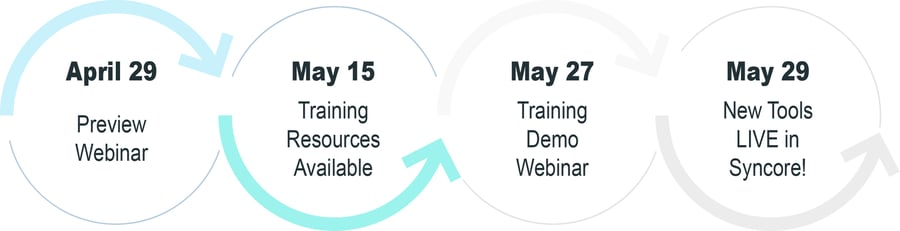
Spring Release tracker and key dates
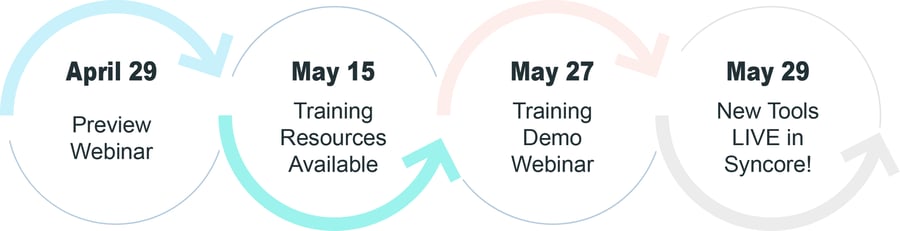
Spring Release tracker and key dates
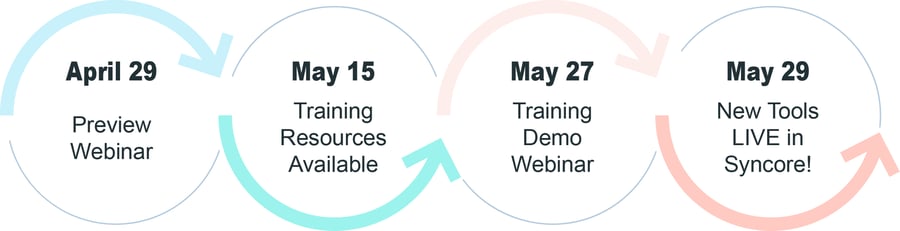
Register for the Spring Release Live Training Demo
Wednesday, May 27 | 12 PM CST
Go beyond the Preview Webinar and see how upcoming Spring Release updates work in real time. Join training experts Zach Berghoefer and Rebecca Burgener for a walkthrough of new tools across sales, service, and finance - including Proposal design customization, ePO reporting, and finance user experience enhancements. Plus, get your questions answered live before launch day.

Watch the Spring Release Training Demo On-Demand
Watch training experts Zach Berghoefer and Rebecca Burgener go beyond the Preview Webinar with a hands-on walkthrough of the tools included in the Syncore Spring Release. See exactly how each new feature fits into your existing workflow across sales, service, and finance. Our Training team walks through these updates in action, shares best practices, and answers your questions!
Customize Proposal design settings to match your brand
Low Impact | Sales, Management, Admin
Create a professional, consistent Proposal experience with customizable design settings. Admins can update colors, fonts, spacing, and borders to reflect your brand for all client-facing Proposals. For advanced customization, the Developer Mode's CSS editing gives your team greater control over the final look and feel.

Send a verification code to ensure the right client stakeholders are approving orders
Low Impact | Sales, CSR, Finance, Clients, Management, Admin
Before approving or requesting changes, clients will enter the verification code sent to their email, adding an extra layer of security and confidence to the approval process. While we recommend using this feature to protect your orders, requiring a verification code for approval will be optional.

Keep Online Approval responses focused and easier to manage
Low Impact | Sales, CSR, Clients, Management, Admin
Online Approval response notifications will now only be sent to the sender and the primary rep, making sure the right people are informed.

The updated Online Approval layout will display the most important details at the top for a clearer client experience.

Find Contacts faster and customize the TSC experience
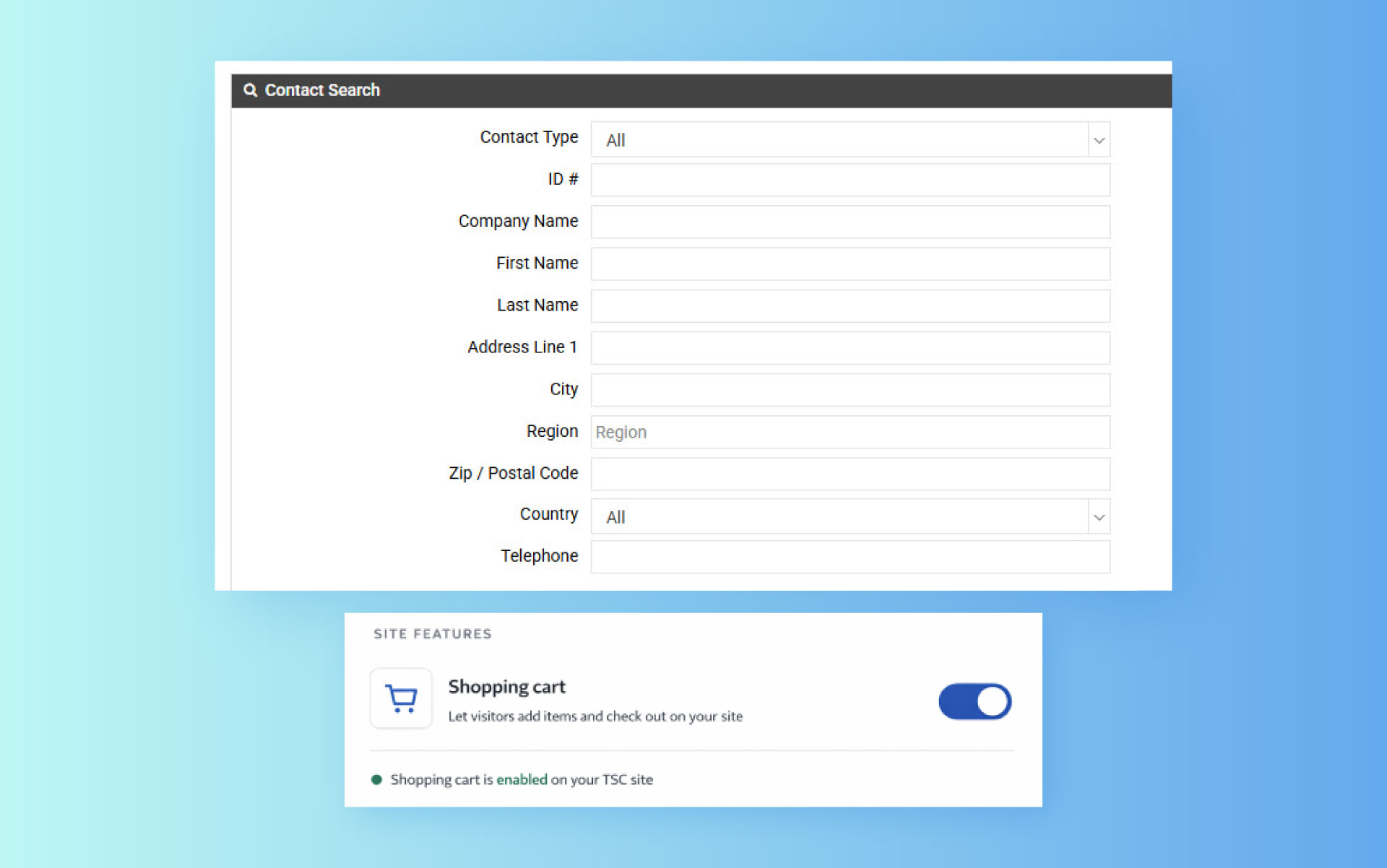
Find Contacts faster with the ability to search by phone number. If you receive an incoming call from an unfamiliar number, simply plug the number into Contact Search to quickly identify the customer.

Choose whether you want to show or hide the shopping cart feature in TSC. With the flexibility to toggle on or off, you can either allow clients to place web orders or simply browse products.


Get order acknowledgements with artwork proofs approved faster with Online Approvals
Medium Impact | CSR, Clients, Management, Admin
Speed up approvals by letting clients review order acknowledgements with artwork attachments online. Clients can approve, request edits, and leave comments through a link. All feedback is tracked automatically in the Job Log, giving your team full visibility and keeping orders moving forward without delays.

Track ePO submission successes and errors with new ePO report
Low Impact | CSR, Clients, Management, Admin
With the new ePO Activity & Outcomes Report, you can easily spot trends and understand where to make changes to your process. Quickly see which orders were sent successfully, monitor their progress, and figure out why some didn’t go through. This report helps your team improve ePO usage and get more orders turned around quickly.

Add a quick confirmation step to improve ePO accuracy
Medium Impact | CSR, Management, Admin
Help ensure suppliers receive the right order details with a new Order Type confirmation step for ePO-enabled orders (currently only for Gemline). In most cases, Syncore will automatically identify the order type, but some suppliers will require users to verify if the order is Blank or Decorated to keep orders moving without delay.

No video selected
Select a video type in the sidebar.
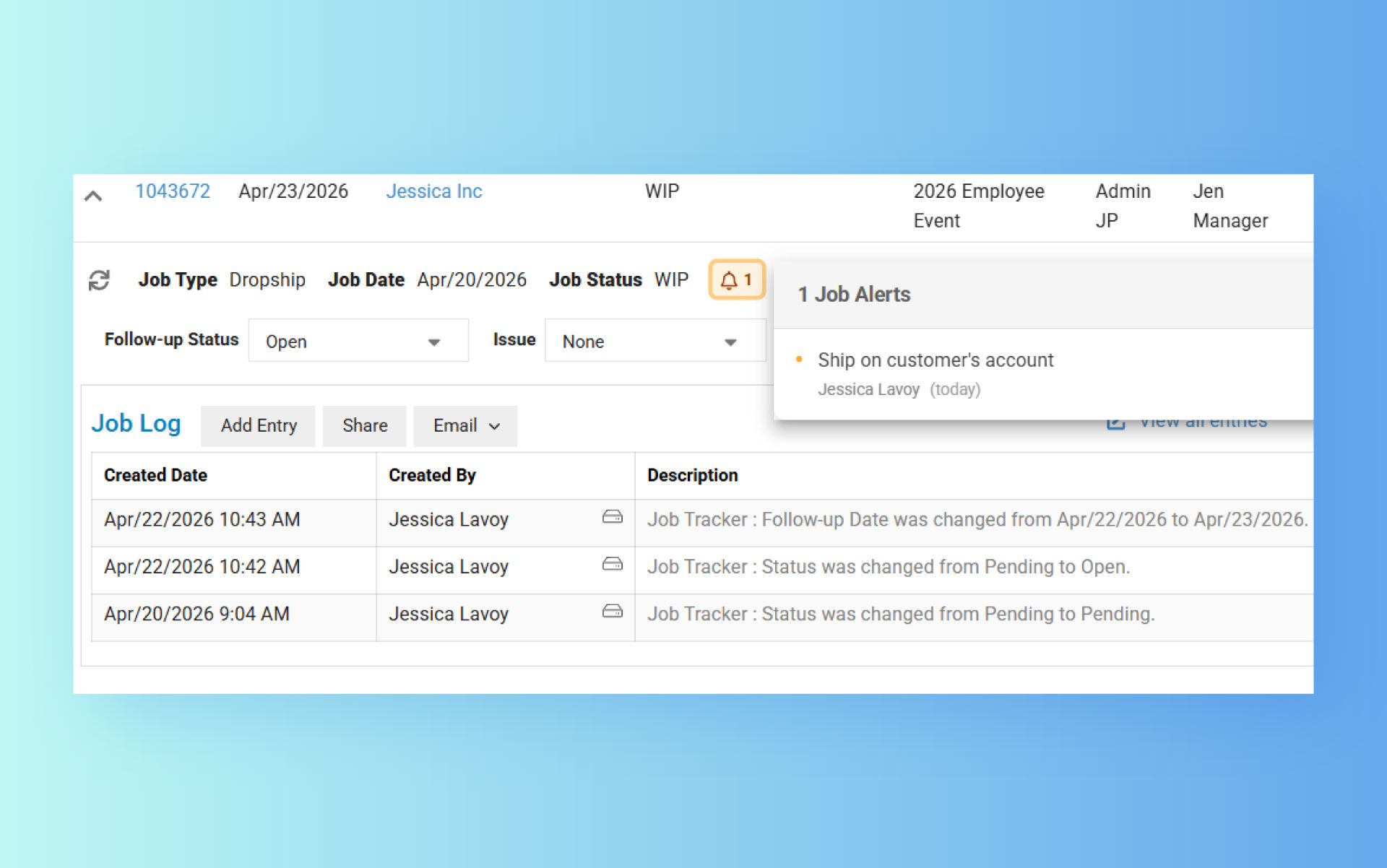
See Job Alerts on the Job Follow-Ups page
View Job Alerts directly from the Job Follow-Ups page, making it easier for teams to spot important information without switching between screens.

Send multiple invoices in one email through AR Follow-Ups
Medium Impact | Finance, Admin
Make collections easier by sending multiple invoices in a single email within the AR Follow-Ups tool. Finance teams can quickly group invoices for each client and decide whether to apply a “Past Due” watermark to individual invoices, creating a better experience for you and your clients.

Skip manual batch posting and speed up payments
Medium Impact | Finance, Admin
Make payments faster with approved POs automatically updating to “Posted AP”. There's no need to batch post or change each PO's status one by one - they’ll show up in your list of POs ready for payment.

Finance user experience updates
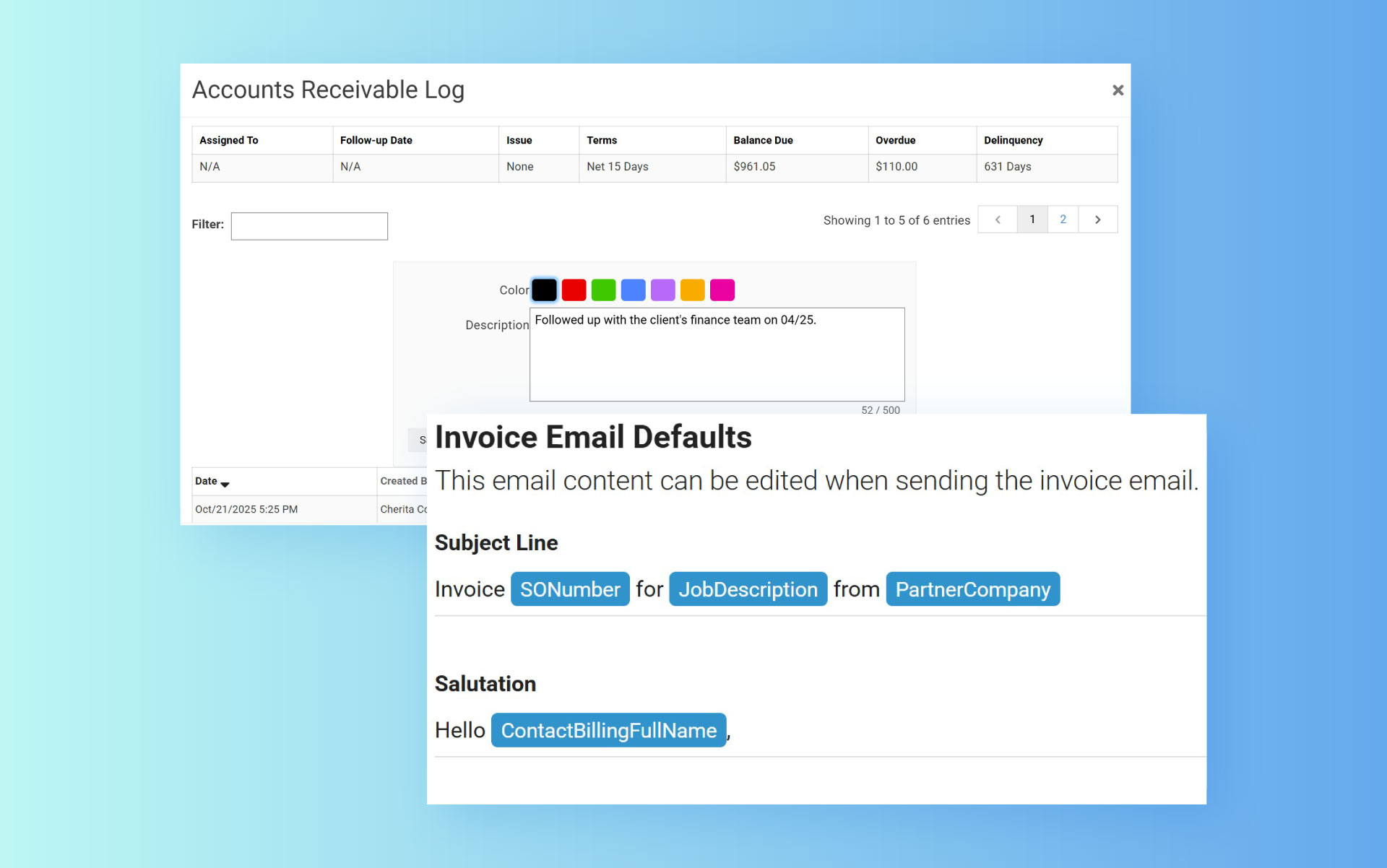
Send AR Statements and create AR log entries directly from the Contact page.

Set defaults for Invoice and Statement emails to automatically populate the Job Number, Job Description, and Billing Contact Name..

The Syncore Connect Integration with Outlook Email is available now for all users. Watch the video clip from the Spring Release Preview to learn more about the new integration and how to start using it today!
The integration lets your sales and service teams:
-
Log Outlook emails into Syncore opportunities and contacts quickly – without switching screens
-
View Syncore Contact data, Follow-Ups, and the Communication Log directly from Outlook
-
Receive a prompt to create a new prospect when Syncore doesn’t recognize a contact
Ready to get started? Download and install the Outlook add-in from the Microsoft store. Once installed, refer to this guide on how to use the integration.

Want to revisit the sneak peek webinar from April 29?
Watch the Spring Release Preview and check out the Q&A.
Training Resources will be available May 15 >>
Make sure you're ready for the Spring Release >>

Questions?
Reach out to your Strategic Account Advisor, .